Yours, completely
Designs are .lcad packages in an ordinary folder. Back them up with anything, keep them in the sync folder you choose, open them in ten years.
Parametric 3D CAD for macOS
LocalCAD is a complete 3D modeler (solid, surface, freeform, sheet metal, mesh and assemblies) that runs entirely on your own computer, with path-traced rendering, associative 2D drawings and one-click send to your slicer in the same app. No account, no telemetry, no internet. Every design is an ordinary file on your disk, with every version kept.
First build: macOS 27 on Apple silicon. No public build yet: version 1 is in final verification.
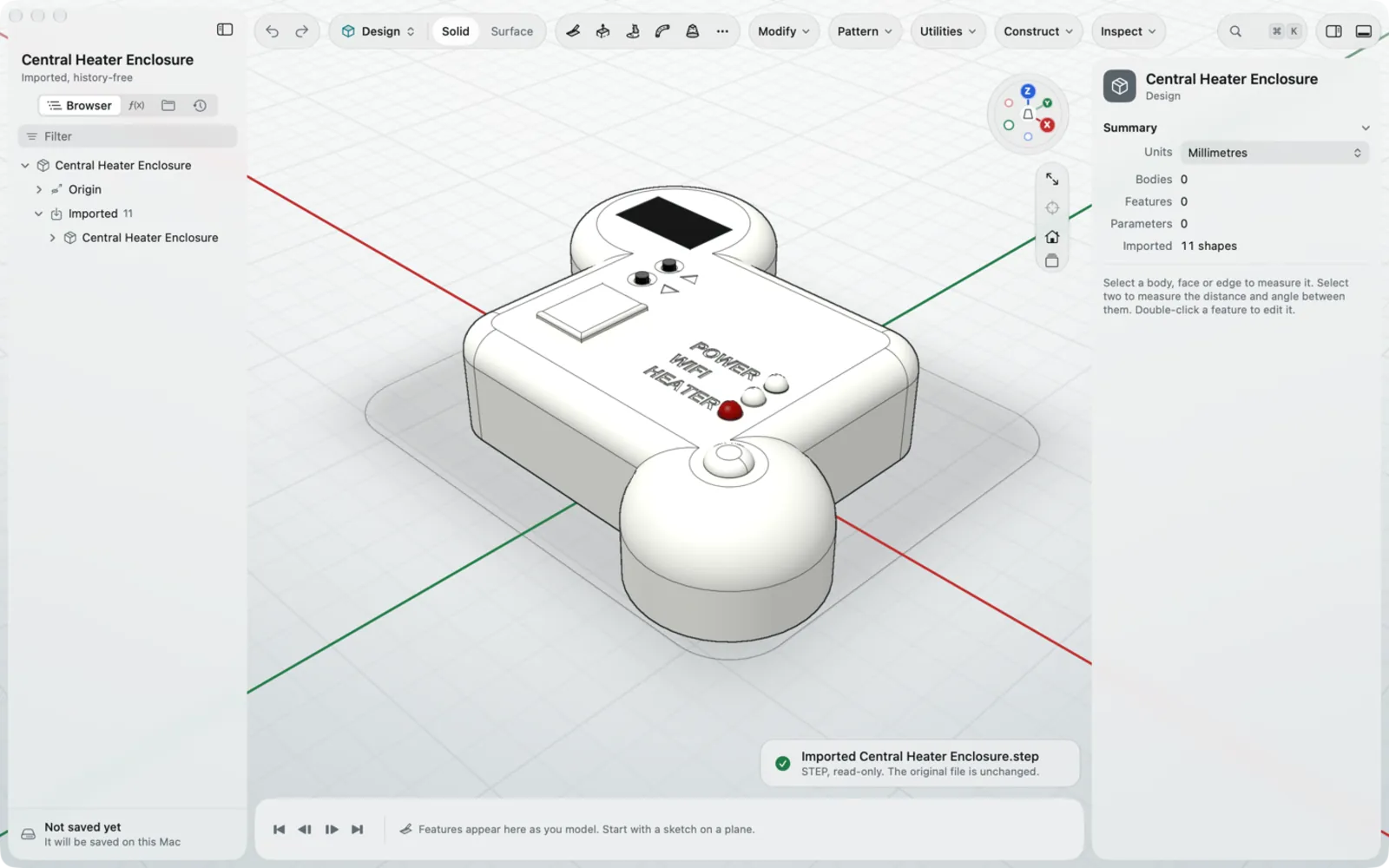
A real STEP assembly, opened on a Mac with networking blocked · 0 bytes uploaded
Why LocalCAD
Most professional CAD has become something you rent from a server. LocalCAD is the other kind: software that works on your computer, on your terms, for as long as you want to use it.
Designs are .lcad packages in an ordinary folder. Back them up with anything, keep them in the sync folder you choose, open them in ten years.
No sign-in, no licence check-in, no update check, no usage analytics. Not an offline mode: LocalCAD uses no network APIs and has no network entitlement.
Sketches, parametric solids, surfaces, SubD, sheet metal, mesh and assemblies with joints and motion, all in one design.
Swift, Metal and a C++ geometry core. 10,000 assembly occurrences orbit at 157 to 313 fps.1
Feature tour
Each workspace shares the same timeline, parameters and inspector, so a sheet-metal flange, a SubD handle and an imported scan live in the same design.
Sketch
Lines, arcs, splines, slots and text with geometric constraints and driving dimensions that take expressions. Under-constrained geometry is Layout Blue and tells you how many degrees of freedom are left; conflicts are named, not just coloured red.
More about sketch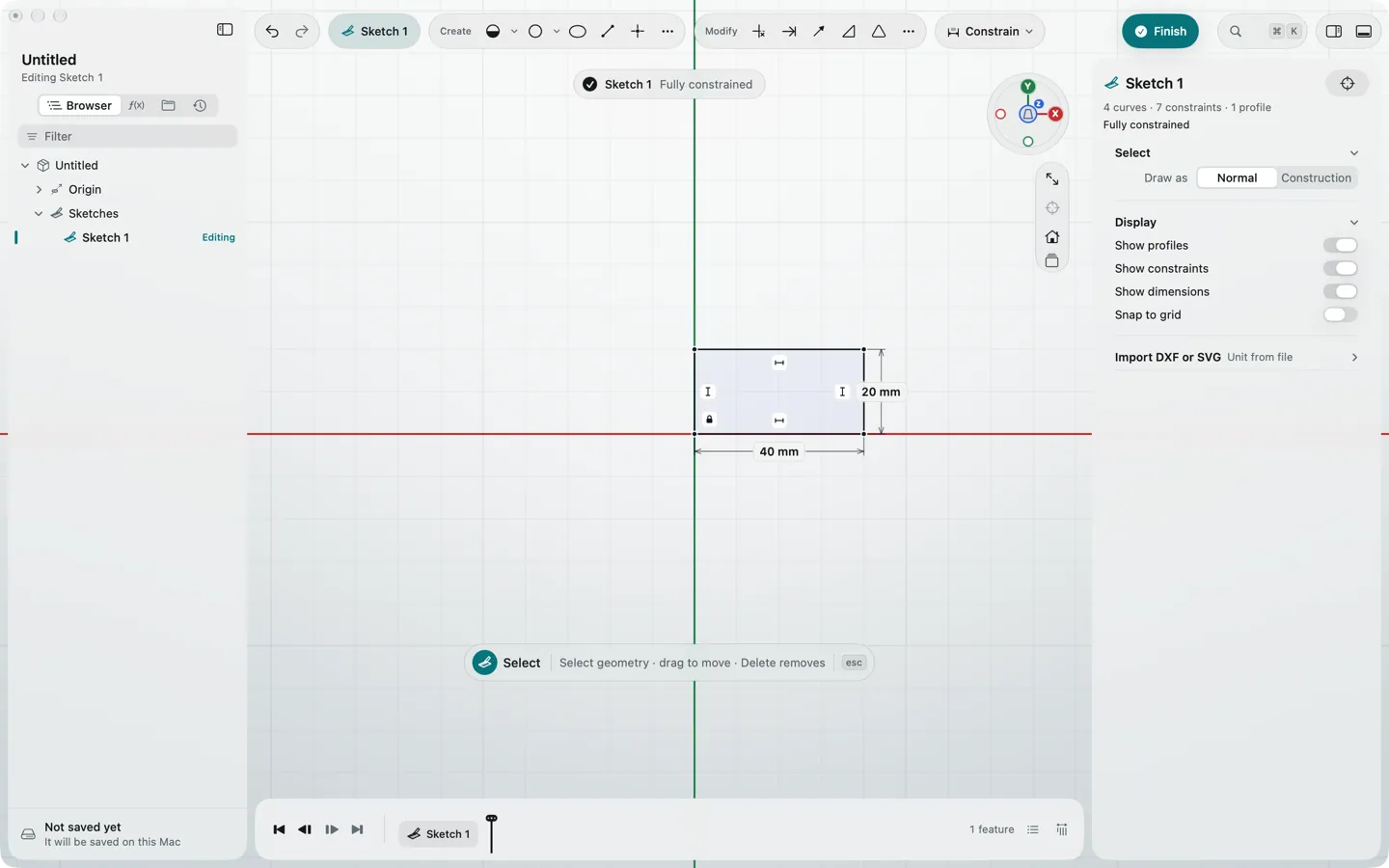
Solid
Extrude, revolve, sweep, loft, rib, web, coil, holes with real threads, every kind of fillet, shell and draft. Every value has an on-canvas manipulator and a live preview; Done keeps it, Cancel restores the model exactly.
More about solid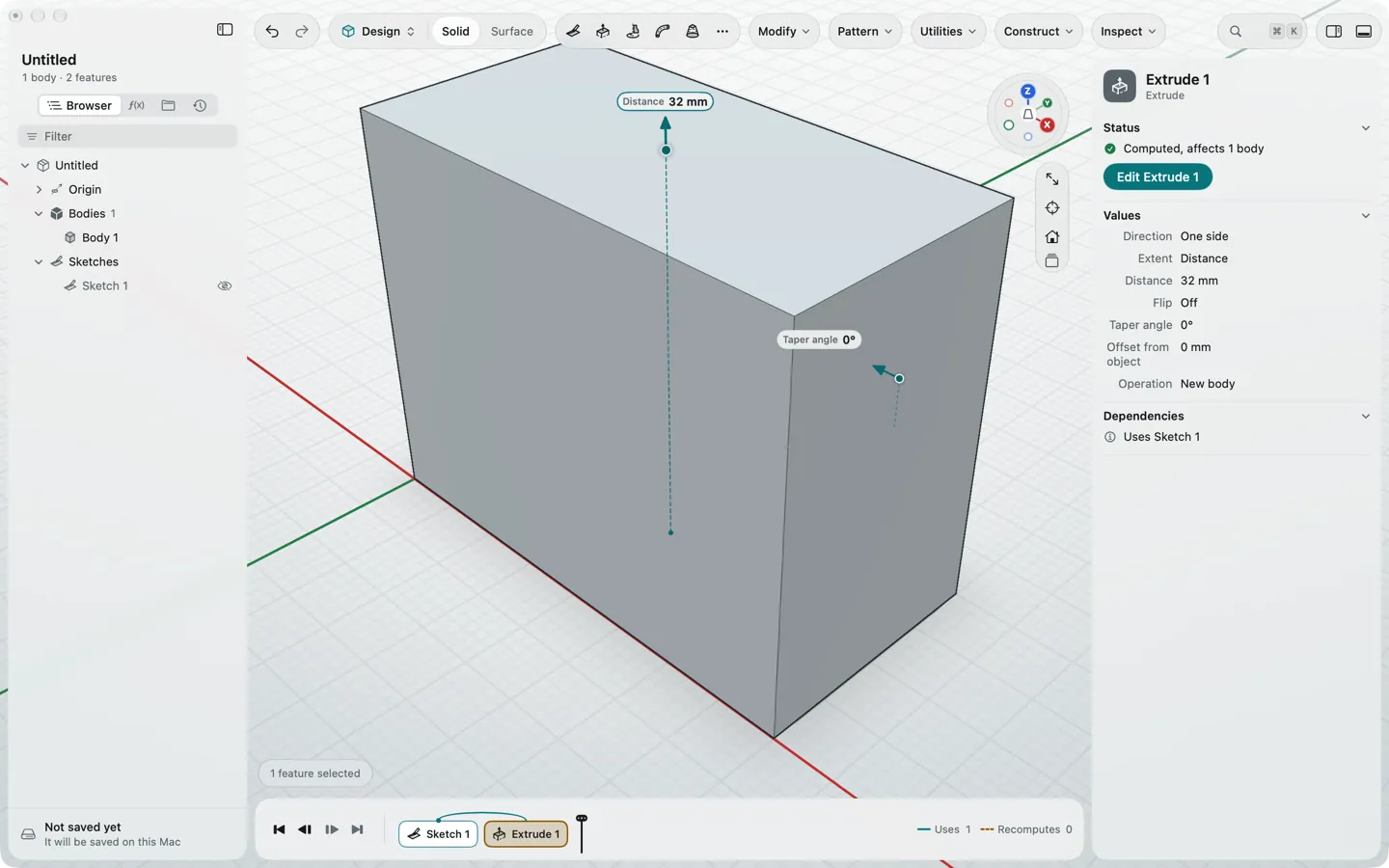
Surface
15 surface feature types, including patch with G0, G1 or G2 continuity, loft, trim and untrim, stitch and boundary fill, plus zebra stripes, curvature maps, draft analysis and curvature combs.
More about surface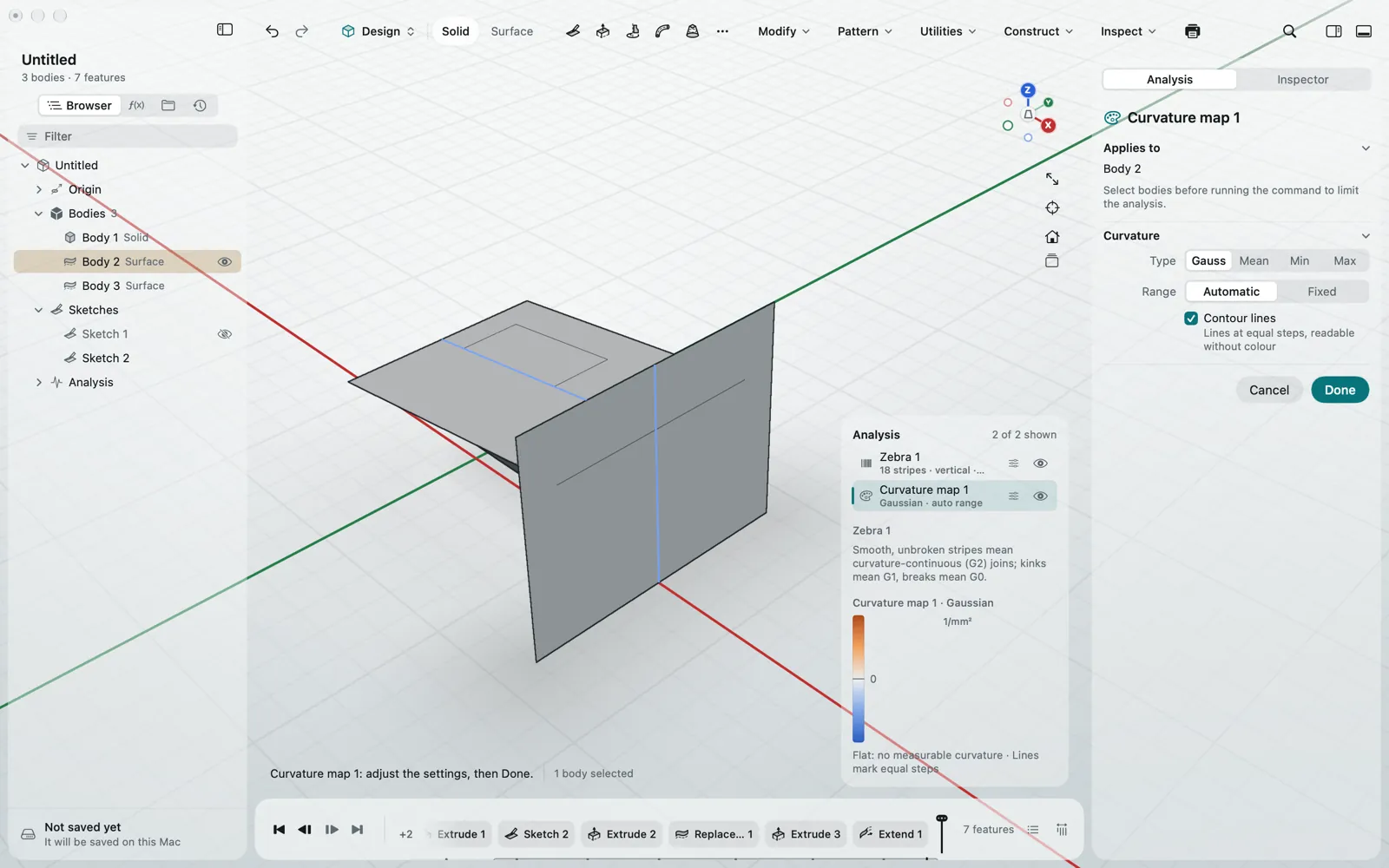
Form
The Form environment models freeform shapes as subdivision surfaces with 26 tools: soft selection, mirror and circular symmetry, crease, bridge, fill hole. Finish converts the cage to a smooth B-rep you can shell and fillet.
More about form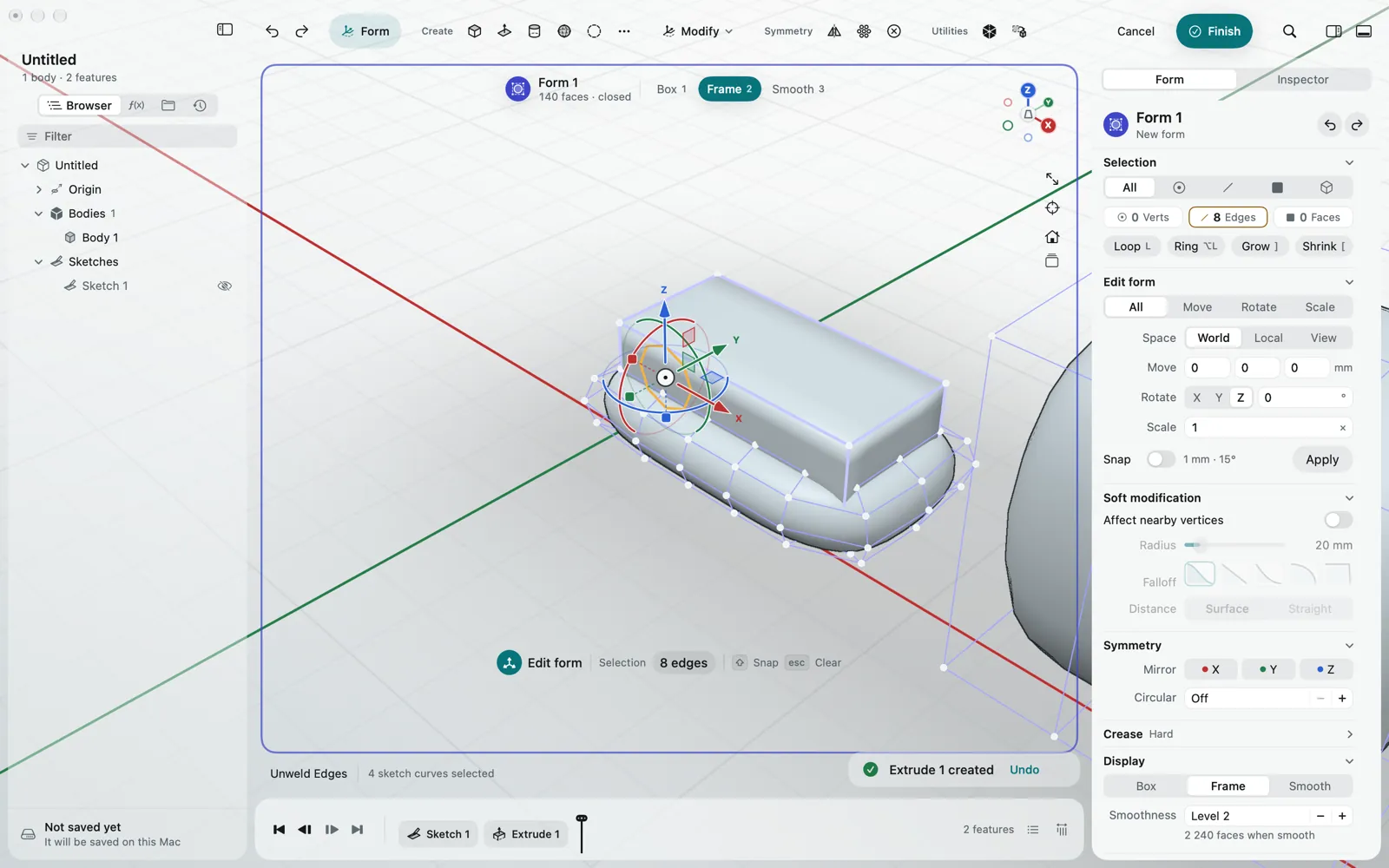
Sheet metal
Rules per material, flanges, hems, bends, rips and corner closure. Unfold and refold, put holes across bends, then export the flat pattern with its bend table as DXF for the laser.
More about sheet metal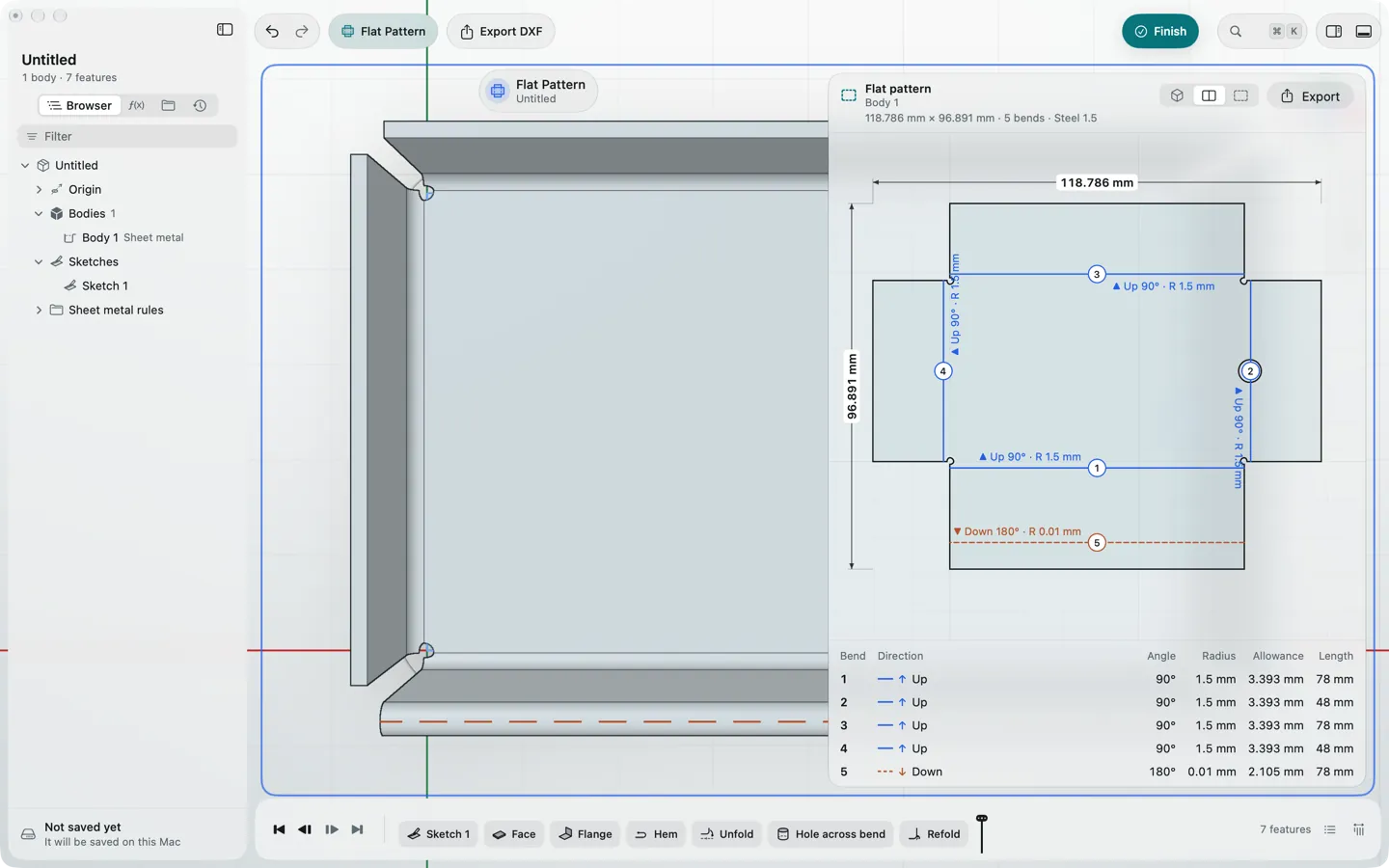
Mesh
Bring STL, OBJ, 3MF or PLY into the design, repair it, reduce, remesh, smooth and cut it, then convert it to a prismatic, faceted or organic B-rep and keep modeling.
More about mesh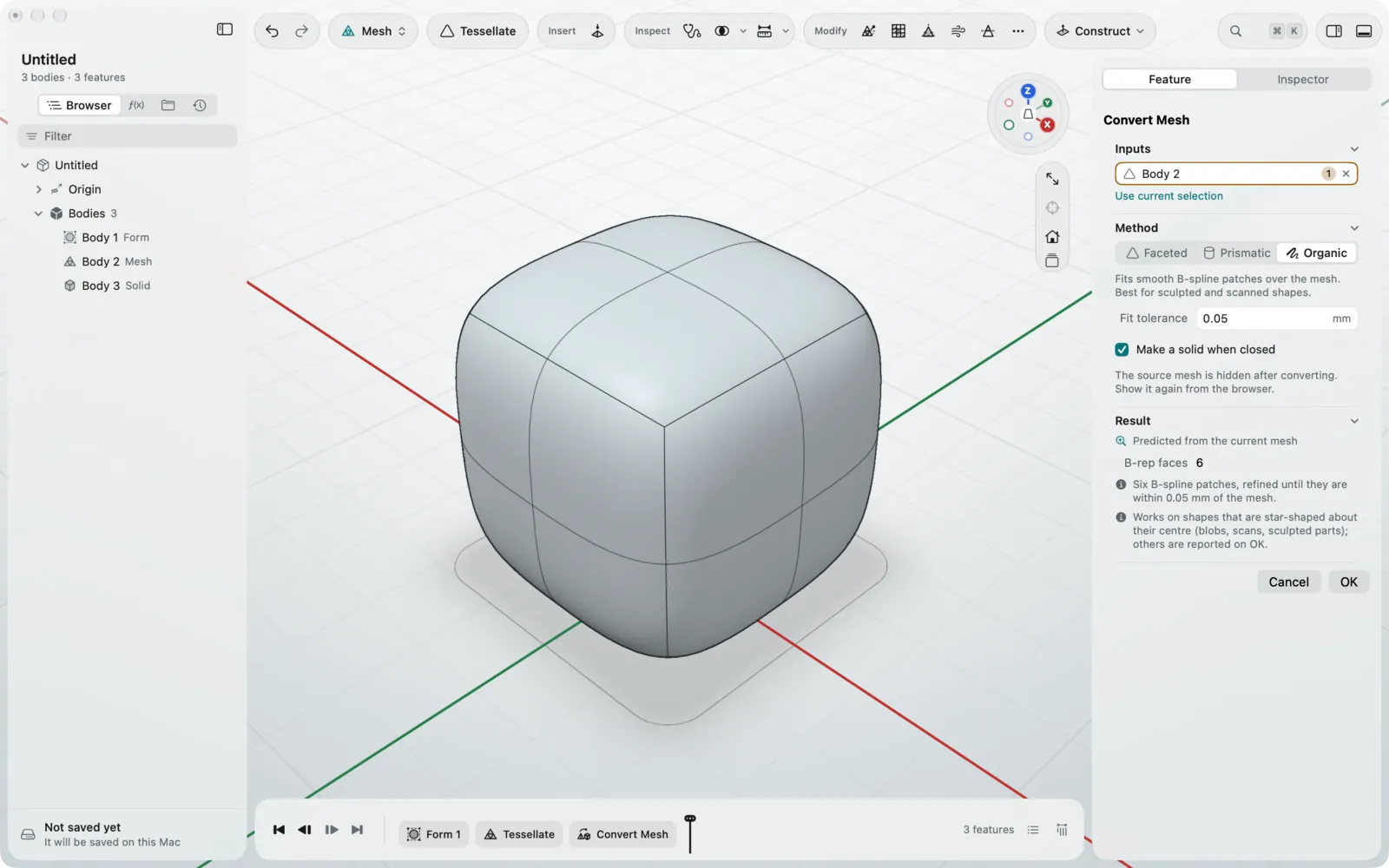
Assemble
Insert components or link other designs with versions. Rigid, revolute, slider, cylindrical, pin-slot, planar and ball joints with limits; motion studies that sweep for interference; flat or structured BOM to CSV.
More about assemble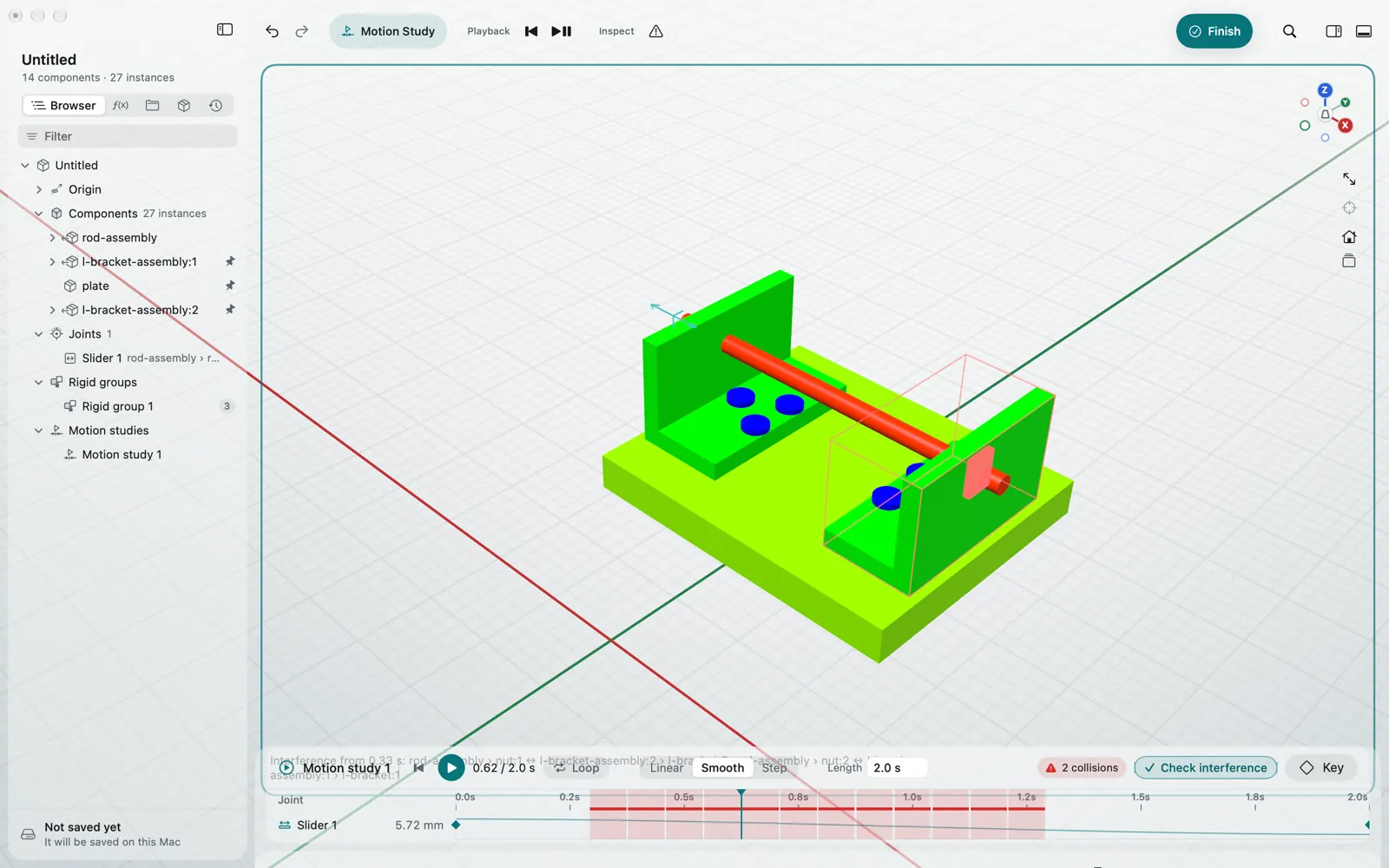
Works offline. Your files are yours.
LocalCAD stores each design as a single .lcad package (a ZIP with the JSON feature history, the B-rep and thumbnails) in a folder you pick. Every save is a version on your disk: browse, compare, label milestones, restore.
.lcpack archive to hand over.One design, every body kind
Solids, surfaces, Form bodies, meshes and sheet metal sit in the same design and the same timeline. Convert between them where it makes sense: a Form body becomes a solid, a mesh becomes a B-rep, a solid becomes sheet metal.
Configurations drive variants from one table. Assemblies link other designs and pin or follow their versions. Everything leaves through STEP, IGES, STL, 3MF or OBJ.
Beyond modeling
Three workspaces built on top of v1 are now in the app. They pass end-to-end tests in the real app and are in final verification with the rest of version 1; their design review is still to come.
A path tracer on your Mac's GPU, live in the viewport. Drag appearances onto parts, pick a studio or sky, then save stills (PNG, 16-bit TIFF, OpenEXR, HEIC) and turntable videos. Our reference scene matches an independent renderer within 0.14 %.2
More about renderingAssociative 2D drawings on ISO or ASME sheets: views, sections, details, dimensions and parts lists. Change the model and the drawing tells you, then updates; dimensions follow. Export PDF, DXF or SVG.
More about drawingsOne click writes a 3MF and opens it in Bambu Studio or PrusaSlicer. Or open the Export Print sheet: plate preview, auto-orient, lay flat, print-readiness checks, 3MF or STL.
More about 3D printingPlatform
Written for the Mac in Swift and SwiftUI, drawn with Metal. Real menus, real undo, light and dark appearance, VoiceOver labels, multiple windows, a command palette and rebindable shortcuts. No web views.
Current build: macOS 27 · Apple silicon
How it compares
Other tools are better at some things today, like real-time collaboration, mature drawings and CAM. LocalCAD is a complete parametric modeler built around one idea: it never needs anyone's server.
| LocalCAD | Fusion | SOLIDWORKS | Onshape | FreeCAD | |
|---|---|---|---|---|---|
| Works with no account | Yes | No | Depends on licence | No | Yes |
| Native files on your disk | Yes | Cloud first | Yes | Cloud only | Yes |
| Platforms | macOS (Apple silicon) | Windows, macOS | Windows | Browser, iOS, Android | Windows, macOS, Linux |
| 2D drawings | Yes pre-release | Yes | Yes | Yes | Yes |
Summary as of 22 November 2026. Details and sources on the comparison page.
The first public build is for Macs with Apple silicon. Join the waitlist and we will write once, when it is ready. No newsletter, no tracking pixels.
1. Measured on an Apple M1 Max Mac with the Release build: 10,000 occurrences of 1,000 distinct parts (50 million triangles), 313 fps at 1080p, 246 fps at 2560×1600 and 157 fps at 3456×2234, from the v1 verification run on 20 November 2026. Your numbers will vary with hardware and model.
2. A test scene rendered by LocalCAD's path tracer and saved as OpenEXR, compared with the same scene rendered by Mitsuba 3 at 8,192 samples per pixel: the images agree within 0.14 % per block (hosted app test, 21 November 2026).